
Client reports
Reports your client can trust, built from the evidence you saved.
Pick a template, the exact findings and the survey period. RouteLens checks for blockers, generates the report and keeps review, approval and issue as separate, recorded steps.
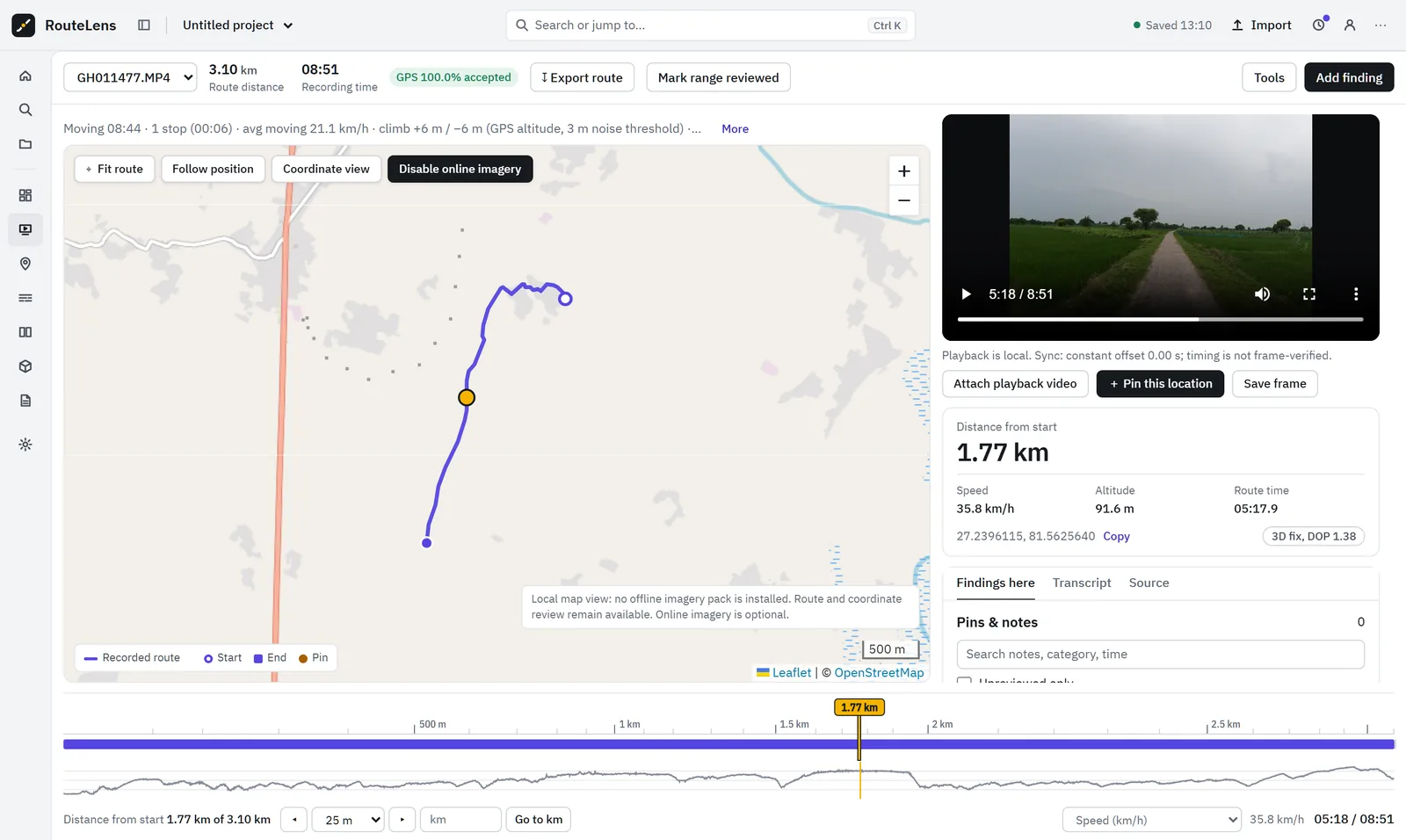
Capabilities
What client reports gives your team.
Template composer
Choose a template version, findings, survey period and inclusion rules. Saved input is frozen.
Preflight
Blockers and exclusions are listed before anything is generated.
HTML and PDF
A4 or Letter, English and Hindi fonts, repeated table headers, images kept with captions.
Separate approval
Reviewer must differ from the author, with zero blockers and every page inspected.
Issue receipt
A receipt records the exact issued files, people and decisions.
Data alongside
Finding register CSV, separate AI-candidate CSV and GIS layers that match the report.
In detail
A report lifecycle, not just a PDF.
- Draft → generated → under review → issued → superseded
- Generating a report does not approve it
- If the project changes after issue, the report shows a stale warning but its files never change
- Offline review packages let a client comment without internet or cloud
Good to know: PDF and HTML generation run through the local launcher. Names typed locally are labels, not signatures; authenticated approval needs the hosted service.
Questions
Client reports: common questions.
Can the report follow our client’s format?
Yes. Reports are built from versioned client templates with required sections, fields and checklists.
Can someone approve their own report?
Not by default. Separation of author and reviewer is configurable, and approval also requires zero blockers and confirmation that every page was inspected.
How are corrections handled after issue?
A corrected report is issued as a new revision that supersedes the earlier one. The earlier revision and its receipt stay in history.

Next step
See RouteLens on your own footage.
Book a 30-minute walkthrough. Bring a recording and a sample report, and we will show you the map, video, findings and coverage working together.