
Findings & evidence
Every defect keeps its proof: frame, time and place.
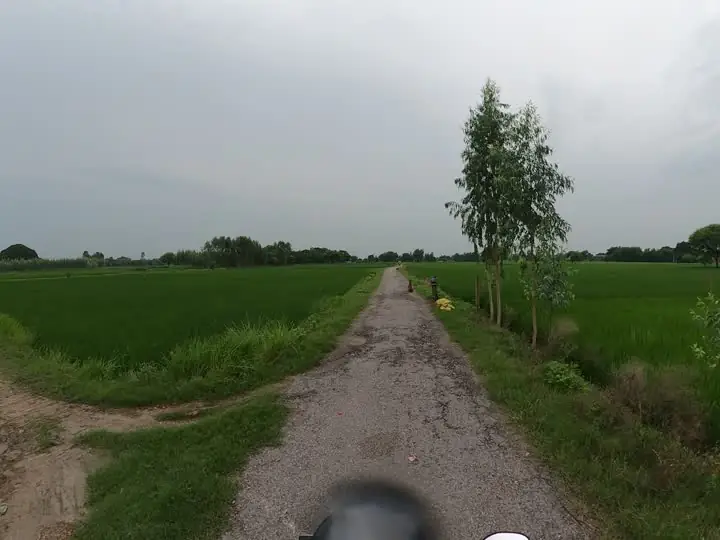
Pause on a pothole, crack or missing marking and add a finding from the frame. RouteLens freezes the evidence so it can always be traced back to the original recording.
Capabilities
What findings & evidence gives your team.
Add finding from frame
Freeze the current frame with its source time and recorded GPS position in one step.
Structured templates
Versioned templates with required fields, severity definitions and SI quantities with method and source.
Owners and deadlines
Assign a person or team, set local deadlines and keep work orders with the finding.
Duplicates handled
Duplicate detection with reviewed merge and explicit unmerge. Bulk assign or archive with an eligibility preview.
Full history
Stable IDs, revision history of title and description, archive and restore with a reason.
Export with preflight
CSV register, GIS file and evidence ZIP. Preflight warns about missing evidence before anything downloads.
In detail
Evidence that survives handover.
- Camera position and object position are exported as separate features
- Attachments (JPEG, PNG, PDF) never get a guessed GPS position
- Search filters can never silently drop records from a project-wide export
- Older pins convert into findings without losing their evidence
Good to know: Quantities typed from video are estimates with a stated method. RouteLens does not measure engineering dimensions or roughness from video.
Questions
Findings & evidence: common questions.
What is stored with each finding?
An evidence snapshot with the source file, source time, frame, GPS position and quality, plus type, severity, quantities, notes, owner, deadline and the full decision history.
Can I export findings to Excel and GIS?
Yes. The export preflight shows counts and IDs, then produces a CSV finding register, a GIS file (GeoJSON) and a native evidence ZIP with a manifest.
How are duplicate findings handled?
RouteLens suggests likely duplicates. A reviewer merges them explicitly, and any merge can be undone with an explicit unmerge.

Next step
See RouteLens on your own footage.
Book a 30-minute walkthrough. Bring a recording and a sample report, and we will show you the map, video, findings and coverage working together.