
Scope coverage
Show the client exactly what was covered, section by section.
Import the assigned scope and RouteLens compares it with what was travelled, what footage is usable and what a reviewer actually marked as reviewed, without a single fake “inspection %”.
Capabilities
What scope coverage gives your team.
Import the job scope
Planned route or section list, entered in a guided section table. The JSON stays editable under Advanced.
Four honest states
Travelled, usable footage, explicitly reviewed and observation confirmed, each with its own definition and total.
Direction-aware matching
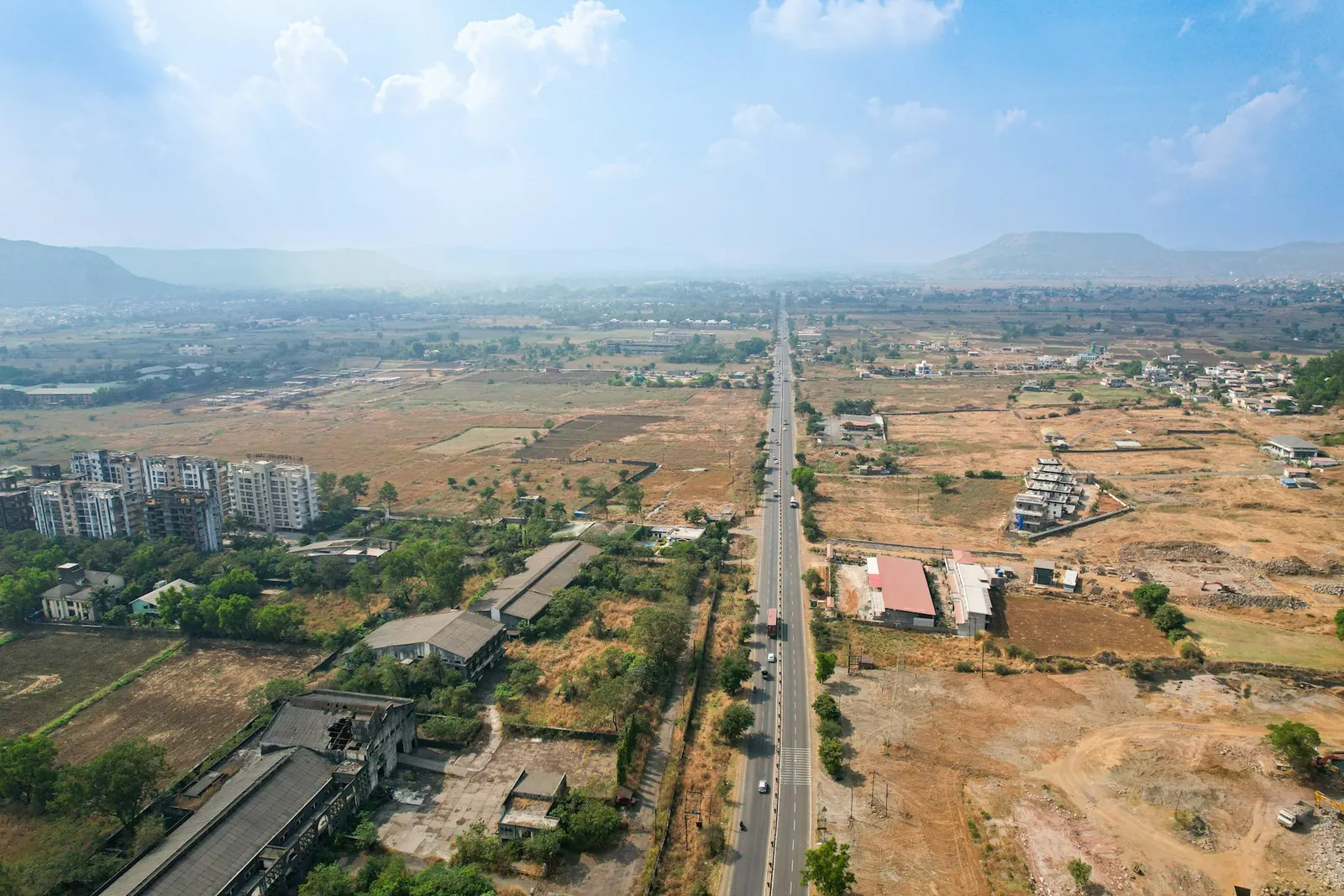
Dual carriageways, opposite directions, crossings, parallel roads and loops are handled correctly.
No double counting
Repeat passes and overlapping chapters are never counted twice. Watching playback alone is never “reviewed”.
Coverage deliverables
Summary JSON, sections CSV, gap and resurvey CSV, and a standalone HTML coverage report.
Exception register
Reviewer decisions about exclusions and exceptions are recorded with the run.
In detail
A resurvey list your field team can act on.
- Night, rain, GPS gaps and unusable stretches show up as gaps
- Each gap carries its section ID and direction
- Runs in a cancellable background worker
- Saved runs keep their scope, thresholds and definitions
Good to know: The coverage report is currently a standalone HTML file rather than a section inside the Reports PDF, and coverage does not yet read the asset register for asset checklists.
Questions
Scope coverage: common questions.
Why not one coverage percentage?
Because driving a stretch, having usable video of it and reviewing it are different things. Keeping the four states separate stops a client from being told “100% covered” when only part was reviewed.
Can it handle both carriageways of a highway?
Yes. Matching is direction-aware, so each carriageway and direction is assessed separately, including crossings, parallel roads and loops.
What do I give the field team for resurvey?
A gap and resurvey CSV listing each missing or unusable section with its ID and direction, from the saved coverage run.

Next step
See RouteLens on your own footage.
Book a 30-minute walkthrough. Bring a recording and a sample report, and we will show you the map, video, findings and coverage working together.